I wanted to send an already sliced print to my Bambu H2D from a terminal, without opening Bambu Studio or giving up Handy. That became bambu-headless: a small macOS CLI that loads Studio’s closed-source networking dylib through a C++ bridge and uses a dyld executable-path shim to sign print commands.
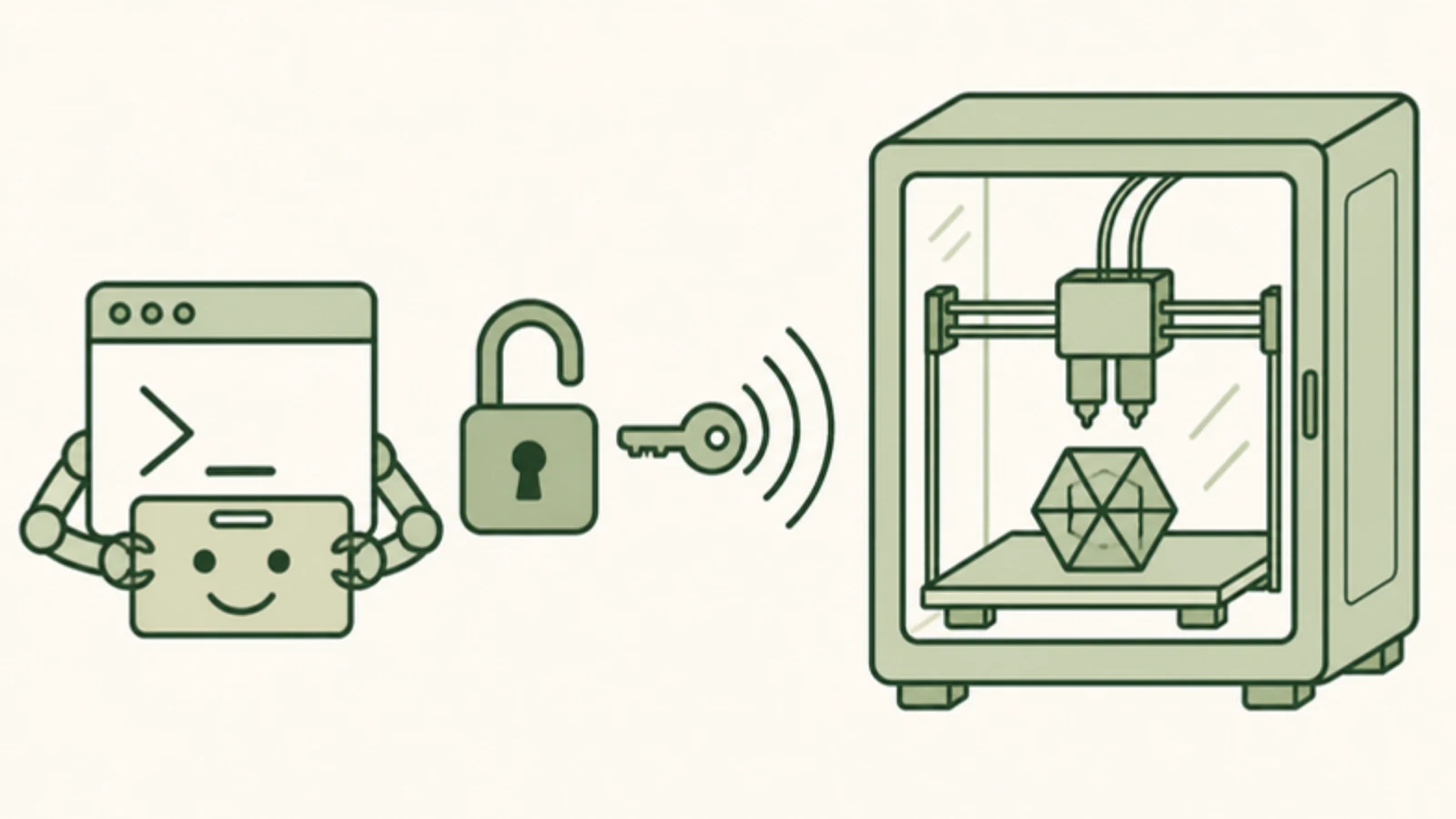
The printer keeps its cloud connection, Developer Mode stays off, and Studio can stay closed. The less obvious part is that the tool still depends on Studio's installed networking plugin.
Connecting was the easy part
The H2D accepted a local MQTT connection, but rejected an unsigned print command with 84033543: mqtt message verify failed. Being able to read the printer's status did not mean I could start a print.
Bambu Studio's public source exposes the interface to its networking plugin. A small native helper loads the installed plugin and uses its certificate, signing and encryption machinery. Python handles the sliced file, transfer checks and command-line interface.
The plugin also checks its host application's identity. A process-local shim changes the executable-path lookup to return the installed Studio executable's path. That deliberately works around the plugin's host check. It does not modify Studio's files or the printer's modes.
This is an experimental, version-sensitive wrapper around a proprietary dependency. The plugin comes from the user's own Studio installation, and certificate refresh still needs internet access. The implementation notes explain the mechanism and credit the existing public ABI and protocol research it builds on.
A print gets several checks before it gets a start command
The CLI accepts an already sliced .gcode.3mf. Slicing still happens elsewhere. Before submitting a job, it follows this sequence:
- Inspect the sliceCheck the archive, embedded G-code checksum, selected plate and supported printer, nozzle and filament mapping.
- Read the printerRequire a fresh idle state and matching AMS material and nozzle diameter.
- Verify the transferUpload over certificate-validated FTPS, then download the full file and compare its size and MD5.
- Record and submit onceSave a local receipt before asking the networking plugin to dispatch the print command.
- Look for the requested jobRequire matching telemetry in PREPARE or RUNNING before reporting a confirmed start.
The receipt matters when a reply gets lost. A timeout leaves the outcome uncertain, so the sender blocks an automatic repeat. I would rather check the printer than discover that a retry was a second print request.
These checks have physical limits: telemetry cannot establish that the plate is clear or that the spool actually contains the material named in AMS. The local lock also cannot stop Handy or another computer from submitting a job.
It grew into a small printer CLI
The first version only sent a print. The expanded bambu.py CLI now covers saved-printer discovery, live status, job monitoring, printer storage management (list, upload, download, rename and delete), target bed temperature control, and guarded job controls (pause, resume and cancel). Uploading is a separate operation, so a file can be transferred and verified without starting the machine.
export BAMBU_HOST=printer.example
python3 bambu.py printers
python3 bambu.py status
python3 bambu.py inspect part.gcode.3mf
python3 bambu.py check part.gcode.3mf
python3 bambu.py upload part.gcode.3mf
python3 bambu.py files list
python3 bambu.py bed-temp 55
printer.example stands for the printer's LAN address. printers lists Studio's saved printer serials without exposing access codes or scanning the LAN. Storage mutations require an idle printer, and different files already stored under the same name are never overwritten. bed-temp sends a single M140 S<temp> command (0..120 °C) and waits for telemetry to confirm that bed_target_temper matches the requested target before returning.
After checking the physical plate and loaded material, this command uploads and starts the print:
python3 bambu.py print part.gcode.3mfThe tested defaults are plate 1, the right 0.4 mm nozzle and AMS A2. Once the job is active, I can follow it or send a guarded control command:
python3 bambu.py watch --until-done --json
python3 bambu.py pause --job part.gcode --yes
Monitoring emits JSON Lines for scripts and checks the job identity so another job's completion cannot silently stand in for the one being followed. Job controls (pause, resume, cancel) require --yes and the exact --job name, recheck printer state after certificate initialization, and wait for post-dispatch telemetry rather than trusting a publish acknowledgment alone. The command guide covers selection options, reports and exit codes.
What has actually been tested
A single-material PLA job on my H2D's right 0.4 mm nozzle reached PREPARE. A separate logger observed RUNNING and later FINISH at 100%. That establishes firmware-reported completion; I have not inspected the printed parts for quality or fit.
The expanded CLI also passed live status and monitoring checks, plus a temporary-file cycle covering upload, full read-back, reuse, download, rename and deletion. Those storage tests restored the original directory contents without starting another print.
There are 45 automated tests, including a compiled native helper running against a fake networking plugin that exercises print start, target bed temperature confirmation, and pause, resume and cancel transitions. Physical pause, resume and cancel transitions have only been exercised with that offline fixture and have not yet been tested on an active print.
The hardware evidence is limited to Apple silicon macOS, Studio 02.08.02.61, plugin 02.08.02.60, and the H2D configuration above. Other printers, Intel Macs, dual-material prints and other nozzle sizes remain unverified. The validation notes keep those boundaries explicit.
Where it ended up
I now have a terminal interface for the parts of the workflow that scripts can handle: inspect a slice, check the printer, verify a transfer and follow the intended job. Handy stays available, and starting a print remains a deliberate command.
The wrapper is open source under AGPL v3. Bambu's networking plugin is supplied separately. The project is unaffiliated with Bambu Lab.